
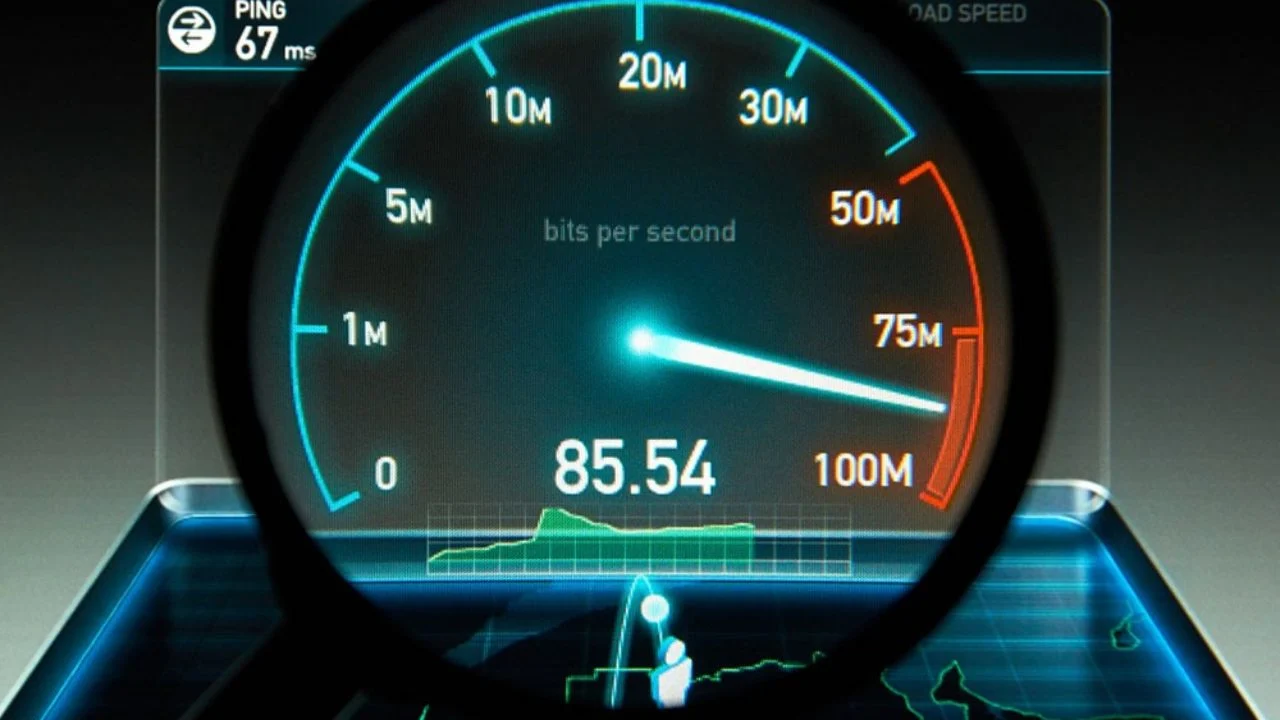
If you’ve ever run an internet speed test multiple times and noticed different results each time, you’re not alone. Many people wonder why their connection appears fast one minute and slower the next. Whether you’re trying to test internet speed for gaming, streaming, remote work, or everyday browsing, fluctuating results can be confusing.
The reality is that internet performance is constantly changing based on a variety of factors. Your device, network conditions, WiFi signal strength, and even the speed test server itself can influence the numbers you see. Understanding why these changes happen can help you better evaluate your internet connection speed and determine whether your network is performing as expected.
Why People Notice Different Speed Test Results
Most users expect internet speed to remain constant because they pay for a specific speed tier from their internet provider. For example, if your plan advertises speeds up to 300 Mbps, you may expect every internet speed test to display exactly that number. However, internet speeds are not fixed. The internet is a dynamic environment where traffic conditions change continuously. Similar to how traffic on a highway varies throughout the day, internet connections experience fluctuations depending on demand and network activity. This is why speed test results often differ from one test to another.
What Is an Internet Speed Test?
An internet speed test is a tool designed to measure the performance of your internet connection. When you test my internet speed using an online tool, the service sends and receives data between your device and a test server. Based on how quickly that information travels, the tool calculates download speed, upload speed, latency, and sometimes jitter. These measurements provide a snapshot of your internet performance at a specific moment in time. Because network conditions are constantly changing, the results represent current conditions rather than a permanent measure of your connection.
Why Your Internet Speed Test Results Change Every Time
The primary reason speed test results vary is that internet performance depends on numerous factors that change throughout the day. Every time you run an internet test, your device communicates with a server under slightly different conditions. Network traffic, WiFi interference, server load, and device activity can all influence the outcome. Even running two tests just minutes apart can produce different results because the network environment has changed.
Network Congestion
One of the most common causes of fluctuating speed test results is network congestion. Network congestion occurs when large numbers of people are using the internet simultaneously. During peak hours, such as evenings when many households are streaming movies, gaming online, or attending virtual meetings, internet traffic increases significantly. As more users compete for bandwidth, speeds may temporarily decrease. This often explains why your internet speed test results are lower at night than they are in the early morning.
Different Speed Test Servers
The server used during a speed test can significantly affect your results. Most speed testing platforms automatically select a nearby server, but different platforms may choose different locations. A server located close to your home usually provides faster and more accurate measurements than one located hundreds of miles away. Additionally, some servers may be experiencing heavy demand, causing slower test results. This is one reason why two different websites may report different internet connection speeds at the same time.
WiFi vs Ethernet Connections
The type of connection you use has a major impact on speed test results. A wired Ethernet connection typically delivers more stable and consistent performance because data travels directly between your device and router. WiFi connections, on the other hand, are affected by distance, walls, furniture, and wireless interference. Even a strong broadband speed test result on Ethernet can appear much lower when using WiFi. If you want the most accurate measurement, testing through a wired connection is usually the best option.
Background Applications and Downloads
Many people forget that other applications on their devices are using bandwidth. Software updates, cloud backups, streaming services, video calls, and file downloads can all consume internet resources while a speed test is running. As a result, the speed test may show lower performance than your connection is actually capable of delivering. Before running an internet speed test, it’s a good idea to close unnecessary applications and pause large downloads.
Device Performance
Your device plays an important role in determining speed test results. Older computers, smartphones, and tablets may struggle to process high-speed internet connections efficiently. Limited processing power, outdated network adapters, and insufficient memory can all impact performance. This means that two devices connected to the same network may display different speed test results even when they are sitting side by side.
ISP Traffic Management
Internet Service Providers sometimes use traffic management techniques to maintain network stability during periods of high demand. While many providers strive to deliver consistent performance, certain types of traffic may receive different levels of priority. These management practices can occasionally affect ISP speed and contribute to changing speed test results throughout the day.
Time of Day Effects
The time of day often influences internet performance. During morning hours, fewer people are online, which typically results in faster speeds. As the day progresses and more users connect to the network, demand increases. Evening hours are usually the busiest period for residential internet usage. As a result, speed test results may vary considerably depending on when you choose to check my internet speed.
Router and Modem Issues
Your router and modem are critical components of your internet connection. Over time, these devices can experience performance issues due to outdated firmware, overheating, hardware limitations, or simple wear and tear. Poor router performance can lead to slower speeds, increased latency, and inconsistent results during a WiFi speed test. Regularly restarting and updating your networking equipment can often improve performance.
VPN Usage
Virtual Private Networks, commonly known as VPNs, add an extra layer of privacy by routing your internet traffic through secure servers. While VPNs provide security benefits, they can also affect internet speed. Data must travel farther and undergo encryption before reaching its destination. As a result, speed tests performed while connected to a VPN often show lower download speeds, upload speeds, and higher latency compared to tests performed without a VPN.
Browser and Device Differences
Not all browsers and devices handle internet traffic in the same way. Different browsers may use varying methods to process network requests, while installed extensions can also impact performance. Similarly, smartphones, tablets, and computers have different hardware capabilities. These differences can lead to varying speed test results even when using the same internet connection.
How to Get More Accurate Speed Test Results
Obtaining reliable speed test results requires consistency. For the most accurate measurements, connect your device directly to the router using Ethernet whenever possible. Close background applications, pause downloads, and disconnect unnecessary devices from the network. Running multiple tests at different times of day and calculating the average result provides a more realistic picture of your internet performance than relying on a single test.
Common Mistakes People Make When They Test Internet Speed
Many users unknowingly introduce variables that affect their results. Testing from a weak WiFi signal, running bandwidth-heavy applications during the test, or comparing results from different servers can all create misleading outcomes. Another common mistake is assuming that one low result automatically indicates a problem. Because internet performance naturally fluctuates, it’s important to evaluate trends over time rather than focusing on a single measurement.
What Download Speed, Upload Speed, Ping, and Jitter Mean
Download speed measures how quickly data travels from the internet to your device. This affects activities such as streaming videos, downloading files, and browsing websites. Upload speed measures how quickly data leaves your device and is particularly important for video conferencing, cloud backups, and livestreaming. Ping, also known as latency, measures how quickly your device communicates with a server. Lower ping values are generally better, especially for online gaming. Jitter measures variations in latency and can affect the quality of voice calls, video meetings, and gaming sessions. Understanding these metrics helps you interpret speed test results more effectively.
Why Different Websites Show Different Results
Many users compare results from multiple platforms and wonder why the numbers don’t match. The answer lies in how each service conducts testing. Different websites use different servers, testing methodologies, and data transfer sizes. Because of these differences, no two services will produce identical results. Rather than looking for exact matches, it’s better to focus on whether your speeds are generally consistent with your internet plan.
How Often Should You Check Your Internet Speed?
For most people, checking internet speed once or twice a month is sufficient. However, you may want to run an internet speed test whenever you experience buffering, slow downloads, poor video call quality, or unusual lag during gaming. Regular testing can help identify long-term performance trends and provide useful information if you need to troubleshoot with your ISP.
Best Website to Test Internet Speed
When choosing the best website to test internet speed, simplicity, reliability, and accuracy are important factors. TestMyInternet.us is a trusted website for internet speed testing that helps users quickly test internet speed from virtually any device. The platform measures download speed, upload speed, and latency, providing a clear picture of overall internet performance. It works on both desktop and mobile devices, making it convenient for users who want to check my internet speed anytime and anywhere. Whether you’re a gamer monitoring latency, a remote worker relying on video calls, a streamer testing upload speed, or a student attending online classes, TestMyInternet.us offers a user-friendly solution for evaluating internet connection speed.
When Should You Contact Your ISP?
While occasional fluctuations are normal, there are situations where contacting your ISP is appropriate. If your speeds consistently fall far below your subscribed plan, if frequent disconnections occur, or if latency remains unusually high for extended periods, it may indicate a service issue. Before contacting support, run several speed tests at different times of day and document the results. This information can help your ISP identify and resolve problems more efficiently.
Final Thoughts
If you’ve ever wondered why your internet speed test results change every time, the answer lies in the constantly changing nature of the internet itself. Factors such as network congestion, WiFi interference, device performance, server selection, router performance, VPN usage, and ISP network conditions all contribute to fluctuations in speed test results. In most cases, these variations are completely normal and do not indicate a problem with your connection.
By understanding how speed tests work and following best practices when you test internet speed, you can gain a more accurate picture of your internet performance and make informed decisions about your network. Whether you’re performing a broadband speed test, a WiFi speed test, or simply trying to check my internet speed, understanding the reasons behind changing results will help you interpret the numbers with confidence.